• Hi and welcome to the Studio One User Forum!

    Please note that this is an independent, user-driven forum and is not endorsed by, affiliated with, or maintained by PreSonus. Learn more in the Welcome thread!

Locking to a given musicale scale

coro

Active member
hey all,

long time question I have:
In Maschine you can pick a scale and your MIDI pads (or keyboard you might be using) only plays the appropriate notes (no wrong notes possible)
To be clear: this is before recording. Like quantizing my keyboard to whatever scale I'll be using

Can I achieve the same result in S1?
I'm aware there's scale lock in S1 and I've checked a video but the process was quite convoluted (unsing the Chordal FX) but that's not what I'm after.
I'd love to know if there's a quickest and most efficient way.

Thanks!
 
I googled your question out of curiosity.
“ software that filters midi to follow a scale “

It listed a dozen different apps and a few Daw’s that can do this. Studio one was listed and it said that you do this in the Note FX dialogue.
 
Thank John,
Note FX is a group of MIDI based fx where Chorder is (the video I was referring to) but as said, that specific method is quite convoluted, requires to create a scale by hand, save it and recall it and most of all the keys with out of scale notes won't play anymore.

The cool thing about Maschine (and now that I think of it Komplete Kontrol too) is that the entire keybed is quantized to that scale. All keys work and you have a bunch of repetitions, but wherever you play something in scale happens.

I'm actually ok not having the keybed quantized since I know music theory but I've always found that Maschine feature to lead to interesting things I wouldn't otherwise be able to do normally.

Since I saw the the scale quantize in S1 in the editor, was wondering if there was a way to do it.

Tbh I don't think it's possible pre-recording but only after recording. But that's a rough guess and happy to be proved wrong
 
Also I dug deeper into the Scale panel in the editor and, to my knowledge, I've found out it works only when you input notes with the pencil.
Hopefully in the future they will add MIDI keyboard input
 
Short answer: This is possible on editing level (Action -> Apply Scale in the piano roll editor), but not for real-time input.

apply-scale.gif
 
Well some of the choices that show on the search said that they were input filters. One was called Scaler. Im on my phone so I can’t figure out how to copy links.
 
Note FX is a group of MIDI based fx where Chorder is (the video I was referring to) but as said, that specific method is quite convoluted, requires to create a scale by hand, save it and recall it and most of all the keys with out of scale notes won't play anymore.
If notes don't play then you didn't define a mapping.

The workflow itself isn't convoluted. I just tried it (starting with the simplest "Octaves" preset) and you only need to map 12 keys (one octave) per scale. Enable "Auto Fill" and it maps all other enabled(!) octaves automatically. There's also a handy "Transpose" option.

Yes, providing new Chorder scale mappings for every scale that the note editor provides is a missed opportunity. But if it takes you 3 minutes per scale then 10 custom scales can be done in 30 minutes.
 
FWIW, there are also supportive keyboard controllers such as Presonus' own Atom SQ. You can set a scale or only play that scale. Or choose to see the selected keys among the other chromatic notes. The same can be done with the NI S keyboard Mk2 and Mk3 models. This of course being an operation by the controller itself, but because Studio One scales can also be set within the DAW itself, the use of such scales can be hand in hand from controller or DAW. It all seems to work fine from that goal in mind. From both a DAW and controller perspective its also a visual aid. At some point, having that aid right from a controller such as with indicator lights is really helpful. Just an added point.
 
Built-in keyboard scales are also better because you can switch scales easily. If you use the Chorder then you need to switch the Chorder preset on every track.

Note editor scales are global for every track but not meant for live play (nothing there actually is).
 
thank you all for your inputs

and @Lukas option is the closest to what I had in mind when it comes to simplicity but as said I'm an ok keyboard player and know enough theory to just keep playing "normally"
that's the main reason for "it's either really simple to achieve or I'll just play" 😁

having a quantized scale leads to really interesting results and geometries especially when I'm using the Launchpad with 64 pads

All good and thanks again!
 
Well some of the choices that show on the search said that they were input filters. One was called Scaler. Im on my phone so I can’t figure out how to copy links.

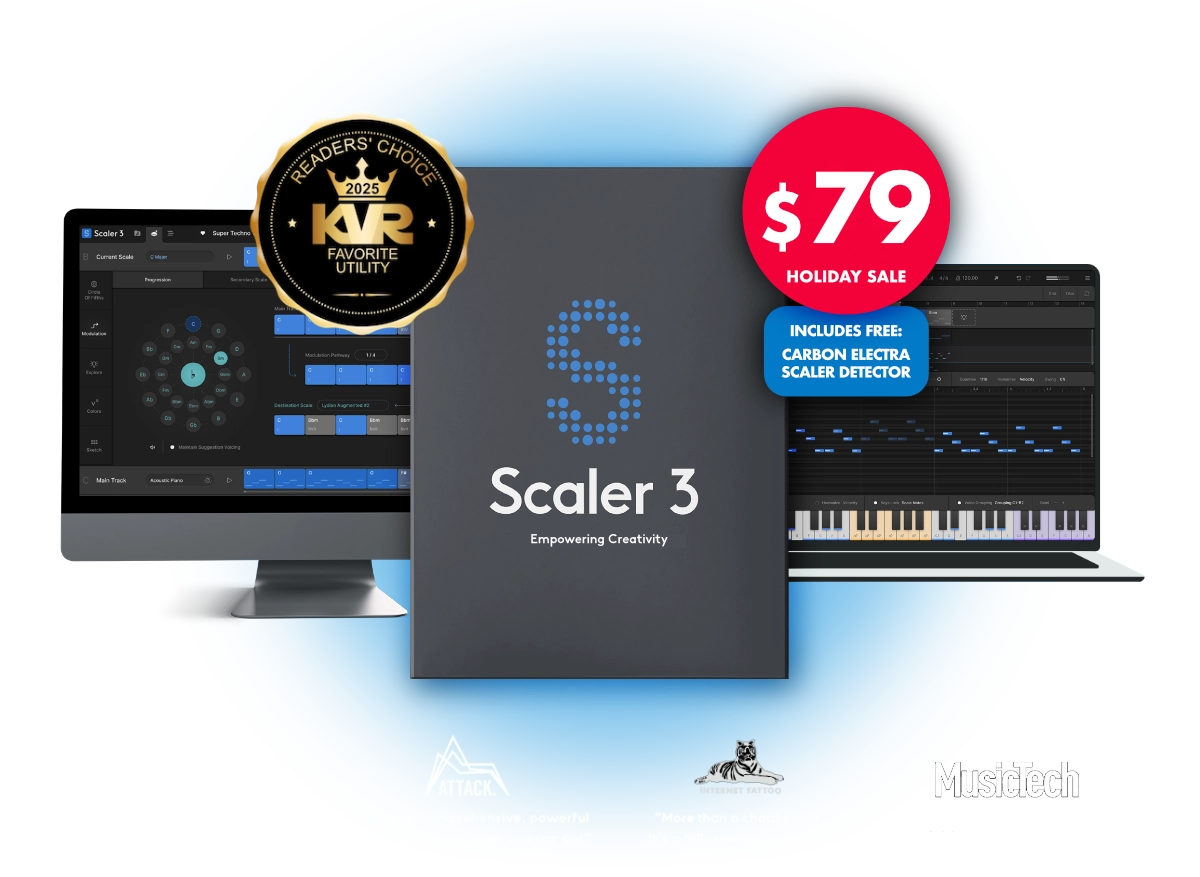
Yes, Scaler can do this - but it's a very capable and complex app that needs a good deal of study and a stronger reason to buy it than the ability to play a scale without any bum notes!

 
Yup Scaler can do the trick and I own it since ver 2 but I've always found it one of the least intuitive software to use XD

btw, it's on me. Scaler needs to be learned like any other software and I'm sure it can do a lot of interesting stuff if I'd put the time in
 
Last edited:
There's a feature request with about 50 upvotes here It's a good idea, so I voted for it myself. I also own scaler 2 and 3. Always spend more time trying to figure out how to do something in scaler, than doing it. But yes it does it. Apparently Pizmidi 's "Force to Key" function does it too (VST 2.4 only), free/donation, but looks like the download link is dead (or was when I tried it).
 
AAV getting a bad request when clicking on the link. I want to vote! XD


1766327453902.png
 
AAV getting a bad request when clicking on the link. I want to vote! XD
Yes, the website has been having server problems for several months. Clearing cookies for this website should help.
 
  • Like
Reactions: AAV
Apparently Pizmidi 's "Force to Key" function does it too (VST 2.4 only), free/donation, but looks like the download link is dead (or was when I tried it).
Problem with Pizmidi is that it's not (at least not officially) maintained anymore so there are only Win32/Win64 and Intel macOS builds available (although hard to find), but not for Apple Silicon.
 
Back
Top