• Hi and welcome to the Studio One User Forum!

    Please note that this is an independent, user-driven forum and is not endorsed by, affiliated with, or maintained by PreSonus. Learn more in the Welcome thread!

External Instrument - Program Change

ianaeillo

Active member
Hi! I’m not sure if this is possible but you fine folks know way more than I, so I humbly ask for a bit of guidance here.

I have a bunch of external instruments set up in studio one. When I send Program Changes from the inspector or via automation. they work as expected.

What I’d like to be able to do is load an instrument, highlight/click on it, and incrementally increase or decrease the programs via my midi controller. Currently my controller buttons incrementally change specific rack units, but *only* the furthest away ones. I’d like to be able to do all of them.

Is there a way to map a controller to process a program change +/- 1 to any highlighted external instrument?

I feel like the answer is a no, but I’m also wrong about a lot of stuff.

Sincerely,
Ian
 
Not at my main PC at the moment but I'll try to help:

In the menu, select "Studio One" -> "Options" -> "External Devices" -> "Add" then create a new instrument, not a midi keyboard and don't forget to assign the correct midi in and out, also make sure you have the inspector enabled on the left side.

I made an image to guide you in the steps to get it working:

1745875792153.png
 
Thank you for the time you have taken to reply.
I must be doing something wrong or misunderstanding you as this does not appear to allow me to send a program change from an external controller to a loaded external instrument. I can already send program changes to instruments when I assign the buttons to individual channels.

For example.
IMG_2723.jpg
The buttons highlighted in blue are programmed via the controller to send program changes to directly to Channel 12. They do so as expected. What I would like to do is have the buttons highlighted in red incrementally increase and decrease selected external instruments when I select them in the edit window. The controller is currently hooked up and sending data to Studio One. All the knobs are assigned and functioning properly.

I appreciate your help here.
 
Ian,
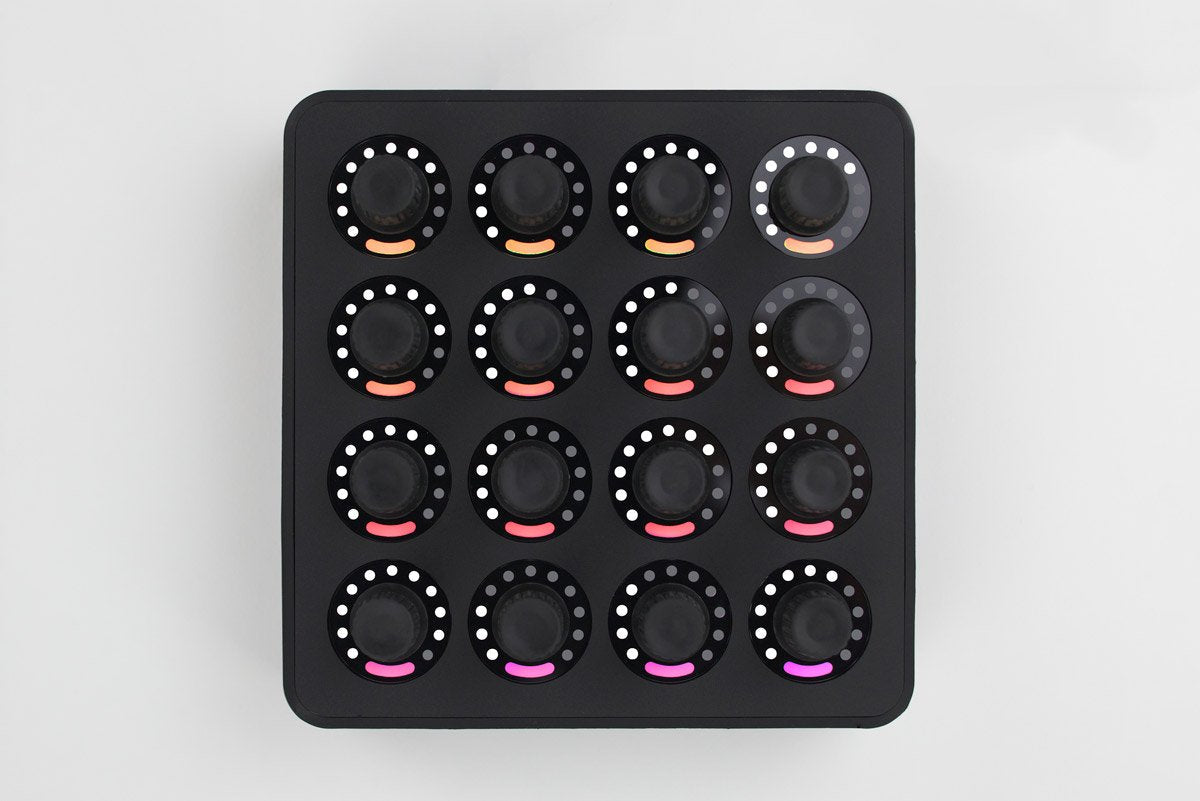
is that controller a Midi Twister unit, it looks like their stuff, but I have never seen that configuration?

If you are trying to set up a unversal Patch change function, I don't think you can achieve what you are trying to do. Its all midi chnl dependent.
Midi CC 32 is the magic LSB for patch changes, which I assume you already know. The Midi chnl selection is the issue.

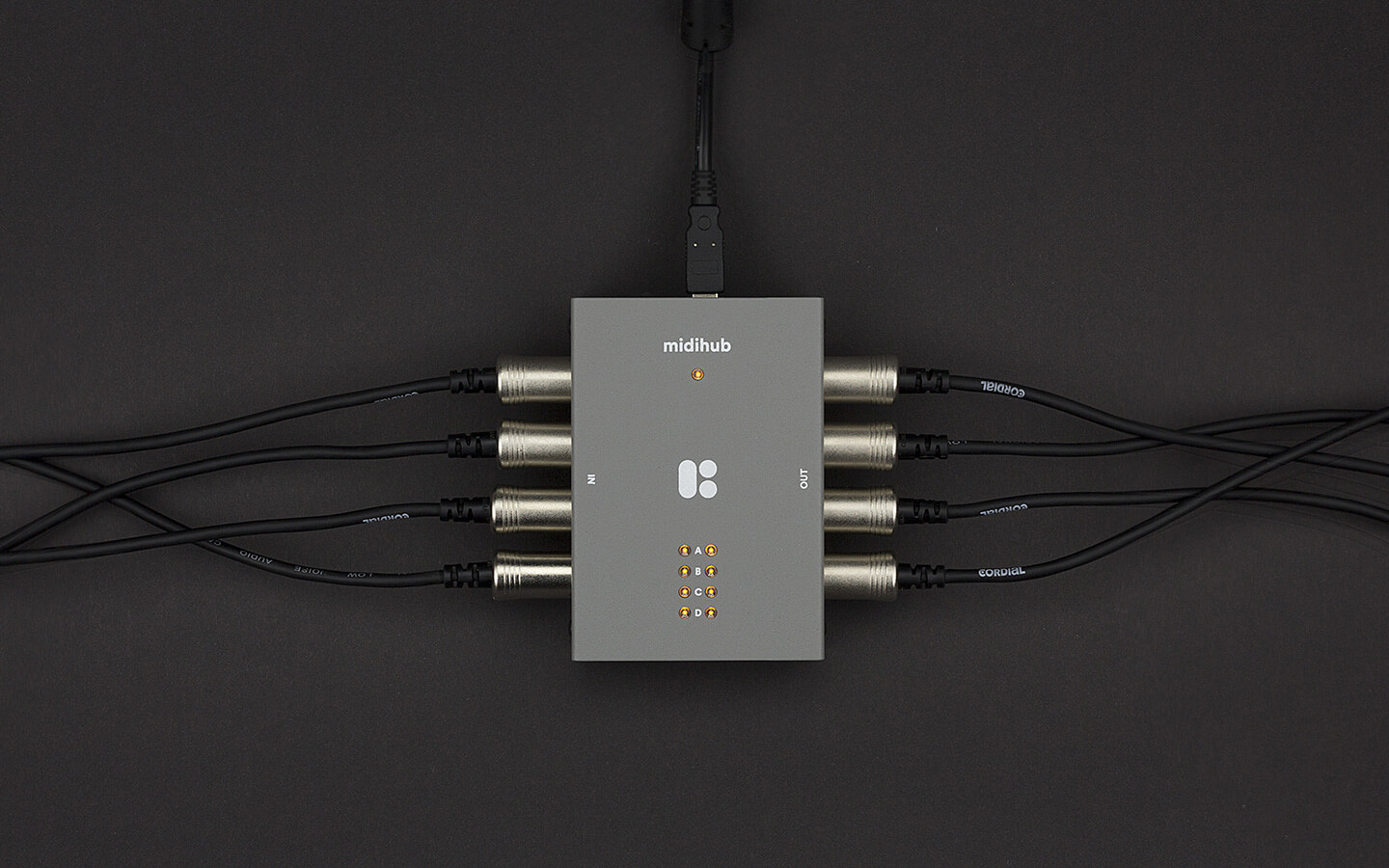
A midi filter and routing tool might be an option I recently got my hands on a CME U6MIDI...which I am testing as a Dawless tool over 5pin din,
it does offer up 3 virtual midi usb outputs from the computer and Midi din to 3 virtual USB midi inputs into the computer and some control software that allows midi filter and remapping functions. I have yet to fully grasp what it's capable of and say this will do what you are after.


You could fire an email off to CME support to ask if it will do what you want?
Someone more knowledgable than me might be able to point you toward a better answer, i hope this helps in some way.

Kind regards.
 
A midi filter and routing tool might be an option I recently got my hands on a CME U6MIDI...which I am testing as a Dawless tool over 5pin din,
it does offer up 3 virtual midi usb outputs from the computer and Midi din to 3 virtual USB midi inputs into the computer and some control software that allows midi filter and remapping functions. I have yet to fully grasp what it's capable of and say this will do what you are after.

t is a Beats and Buttons.
Little custom made midi controllers that are incredibly easy to program and use. I have a bunch of Chase Bliss knobs on it as the color coding helps me remember their targets.

I am currently running the knobs outside of studio one through MidiPipe, which separates and routes the signal to the DAW, Interfaces, and specific channel-based external controllers. However, it does not contain the virtual ports and I can see that being immensely helpful.

Do you like that CME brand? My controller also has five pin DIN and my Midi interface is a MOTU express 128, but I've seen those CME boxes around and wondered if they're any good. My Motu doesn't play nicely with a few external instruments and I'm in the market for a new interface. Looking at their site now, it appears as though the routing is wildly complex and customizable and I might fire off an email and ask them. I appreciate you sending the link, as I'd have never have looked them up without a nudge. Thank you.
 
The CME brand, it's not bad as a small unit and can be powered from phone charger, allowing it to be used without a computer, which was why I bought one. Once you have created some mappings they are retained in one of four templates it stores onboard.
They can then be cycled through on the unit with a small button next to the USB-C socket.

It's not an expensive unit and for the money I took the plunge and am reasonably happy, as it fits my needs. Each to his own YMMV of course.
I do not use this in any mission critical setting, I think I would burn a lot more cash on a device if that were the case.

I would fire an email off and see if the folk at CME can help,

My main use is midi merging I have three primary controllers and some synth modules I can feed time code etc., via standard midi.
It also helps if you have a shortage of USB sockets on the puter but lots of Midi din devices.
Price... Cheapness


That Beats and Buttons looks interesting, I have bookmarked their web site for future reference.

Best eregards
 
Back
Top